20+ Years WordPress Security Proprietary Site Lockdown Technology
Why People Search for a AIOS Alternative
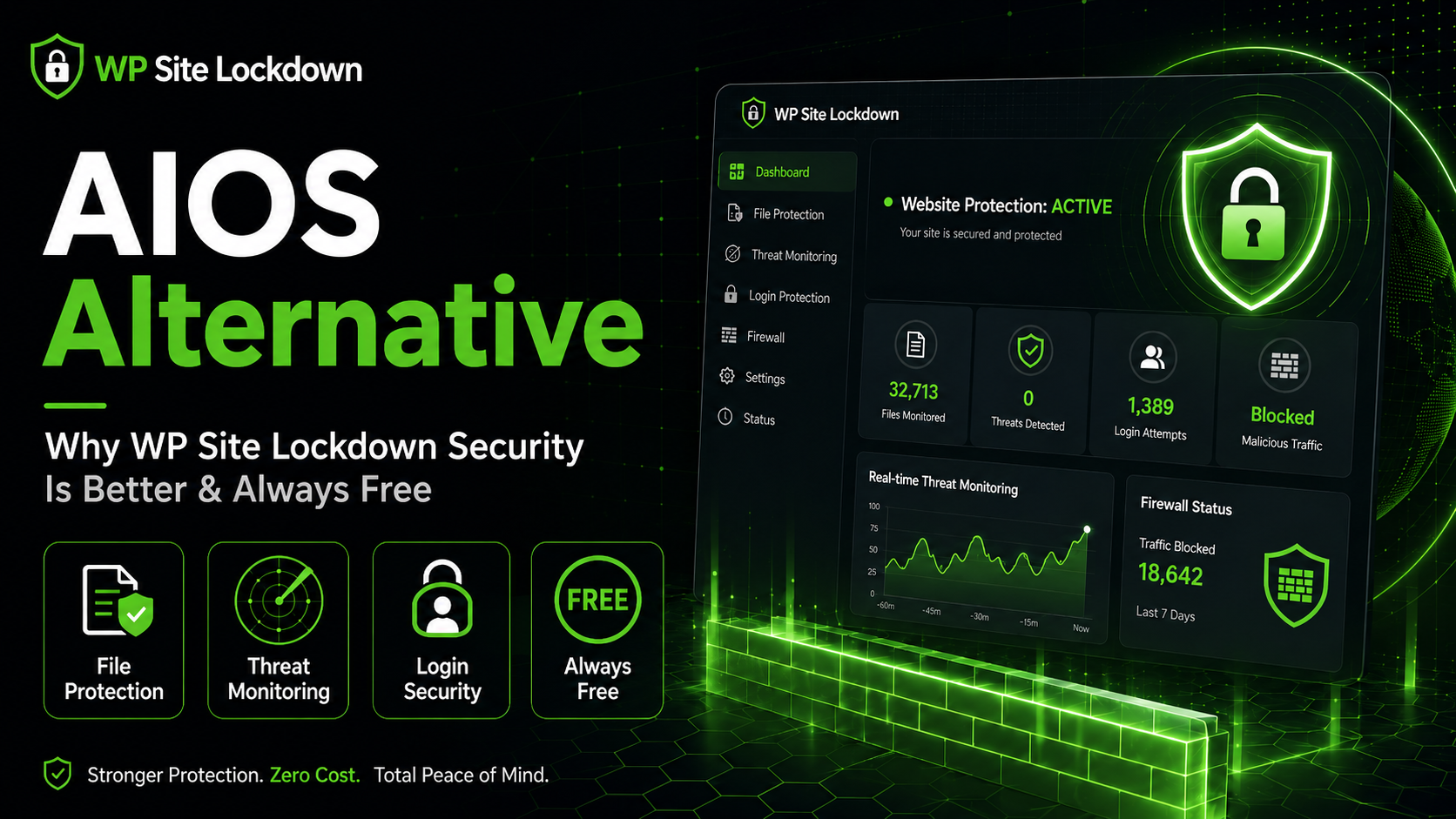
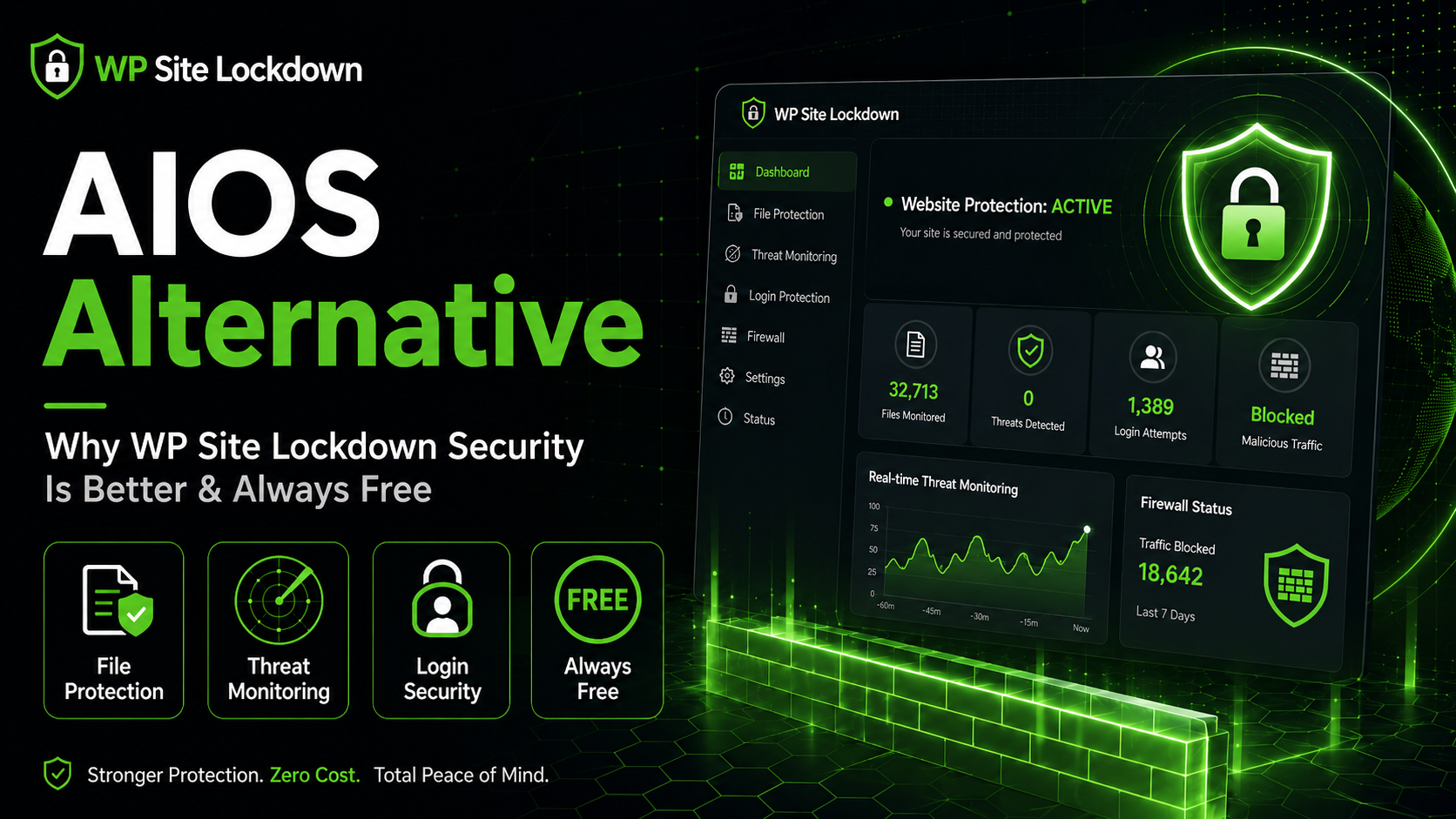
If you are searching for a AIOS alternative, you are not alone. All-In-One Security (AIOS) has a solid reputation and many WordPress users start with it because it offers hardening checklists, firewall features, and a wide set of general-purpose security controls. That said, security needs change as a site grows. Store owners, agencies, bloggers, membership sites, and local businesses often realize that broad plugins can become busy or overwhelming when what you really need is focused visibility and control over your WordPress files and security posture. When that happens, a more focused option becomes attractive. That is where WP Site Lockdown Security stands out. It was built to give WordPress users practical protection, excellent visibility into their files, and an interface that stays useful instead of overwhelming. Most importantly, it is designed to stay free for all WordPress users, which makes it especially compelling for site owners who want dependable protection without recurring surprises.
This guide explains how WP Site Lockdown compares with All-In-One Security (AIOS), where it delivers stronger value, and why it deserves a place on your shortlist. If you are still evaluating the broader WordPress security landscape, you may also want to compare it with our Sucuri alternative guide, our Solid Security comparison, and our Defender alternative article. Reading across multiple comparisons can make the differences much easier to see.
What All-In-One Security (AIOS) Does Well
To be fair, All-In-One Security (AIOS) succeeds in several areas. Many users appreciate the setup experience, the brand recognition, and the comfort that comes from using a well-known security tool. For some websites, those strengths may be enough. If your needs are simple and your environment is predictable, All-In-One Security (AIOS) can feel like a reasonable starting point. It also helps that the plugin category itself has matured. Most of the major names now include some combination of scanning, login protection, firewall messaging, or hardening recommendations.
But a security plugin is only as good as the protection it helps you act on every day. That is why many site owners look past broad marketing claims and focus on operational questions. Can I clearly see what changed on my site? Can I lock down the files I care about? Can I review risk before an issue becomes a crisis? Can I keep getting value without being pushed into a paywall? Those are practical questions. In our experience, WP Site Lockdown Security addresses them exceptionally well. It focuses on the realities of WordPress administration instead of simply checking boxes.
Where WP Site Lockdown Security Pulls Ahead
WP Site Lockdown Security differentiates itself by bringing together several high-value protections in one plugin. The feature set includes file auditing, Site Lock read-only protection, Watch Dog file change monitoring, WordPress core integrity checks, infection scanning, cleanup tools, setup guidance, email alerts, scheduled reporting, and white label branding. It also emphasizes permission visibility, software health, and practical risk review. Instead of forcing you to stitch together several niche utilities, it gives you one focused hub for understanding and protecting the files and behaviors that matter most inside WordPress.
This matters because many compromises begin quietly. A malicious file appears. A legitimate file is altered. A directory permission drifts into unsafe territory. A plugin or theme becomes outdated and turns into a risk multiplier. WP Site Lockdown Security is well suited to this reality. File auditing tells you what is changing. Watch Dog monitoring keeps an eye on important activity. Site Lock helps keep targeted files read-only so accidental or malicious changes are harder to make. Core integrity checks help you verify what belongs. Infection scanning and cleanup tools add another layer of practical response. For site owners who want more than a generic dashboard, that combination is powerful.
Why This Can Be Better Than All-In-One Security (AIOS) for Real-World WordPress Sites
A useful security plugin should not just impress during installation; it should remain helpful six months later when your site is busier, more important, and more exposed. WP Site Lockdown Security is attractive for that long-term use case. It keeps the conversation centered on file protection, site integrity, and ongoing oversight. Many WordPress site owners do not actually need dozens of abstract controls. They need confidence that the site files are being watched, that unexpected changes are visible, and that they can react before a minor anomaly becomes a major recovery project. WP Site Lockdown Security gives them that confidence.
There is also a business argument here. If you manage several sites, agency margins matter. If you run a nonprofit or a small service business, budget matters. If you are a publisher with thin content margins, predictability matters. A plugin that promises ongoing protection while remaining free is not just convenient; it changes the economics of security. WP Site Lockdown Security does not force users to choose between protection and affordability. That philosophy sets it apart from many alternatives and is one of the biggest reasons we view it as a serious AIOS alternative.
The Core Features That Make the Difference
- File Auditing: Review what exists in your site files and identify changes faster.
- Site Lock: Apply read-only protection to sensitive files so accidental or malicious edits become harder.
- Watch Dog Monitoring: Track important file changes and keep a close eye on your environment.
- Core Integrity Checks: Compare WordPress core files and identify suspicious modifications.
- Infection Scanning and Cleanup Tools: Spot problems early and streamline the response process.
- Permission and Health Visibility: Catch risky permissions, outdated software, and other warning signs before they escalate.
- Scheduled Reports and Email Alerts: Stay informed without manually checking the plugin every day.
- White Label Branding: Especially useful for agencies supporting client sites under their own service umbrella.
When those features are combined, the result is a security workflow that feels practical rather than theoretical. You can monitor, protect, review, and respond without bouncing between multiple tools. That is a major advantage for time-pressed WordPress administrators.
Who Should Choose WP Site Lockdown Security
WP Site Lockdown Security is a particularly strong fit for agencies, freelancers, ecommerce operators, membership site owners, local businesses, and content publishers. Agencies benefit from the white label angle and the ability to bring consistent monitoring to multiple client sites. Ecommerce stores appreciate file integrity and visibility because even a small compromise can affect trust and revenue. Membership sites and publishers benefit from early warning, especially when they have many plugins and frequent content updates. Smaller businesses appreciate the fact that the plugin stays budget-friendly while still offering meaningful protection.
If your main concern is login abuse, you may also want to read our Limit Login Attempts Reloaded alternative guide. If you want a broader look at a mainstream all-in-one option, our AIOS comparison is worth reviewing too. Internal comparisons like these help you understand not only what each competitor does, but also why WP Site Lockdown Security continues to stand out as a balanced solution.
Internal Resources You Should Read Next
One of the best ways to evaluate a security plugin is to see how it stacks up against multiple competitors, not just one. We recommend exploring several related comparisons so you can match features and philosophy more accurately. Start with the articles below, each of which looks at the same core question from a different angle.
- Best MalCare Alternative? Why WP Site Lockdown Security Is Better and Always Free
- Best Defender Alternative? Why WP Site Lockdown Security Is Better and Always Free
- Best Shield Security Alternative? Why WP Site Lockdown Security Is Better and Always Free
- Best Security Ninja Alternative? Why WP Site Lockdown Security Is Better and Always Free
Taken together, these guides reinforce a common pattern: many plugins focus on individual slices of security, while WP Site Lockdown Security brings together file protection, monitoring, integrity checks, alerts, and reporting in a way that feels unified and sustainable. That is exactly why it continues to earn attention as a modern AIOS alternative.
Final Verdict: Is WP Site Lockdown Security the Better AIOS Alternative?
For many WordPress users, the answer is yes. All-In-One Security (AIOS) may still be a recognizable name, but recognition alone is not a reason to stay locked into one approach. If you want a plugin centered on practical file security, transparent monitoring, and helpful reporting, WP Site Lockdown Security deserves serious consideration. It offers the kind of protection that site owners can actually use day to day, not just admire in a feature matrix.
The biggest differentiator is the long-term promise. WP Site Lockdown Security is positioned as a solution that will remain free for the WordPress community. That matters. It lowers barriers, encourages better security habits, and gives site owners an honest way to improve protection without worrying that the most useful capabilities will vanish behind a paywall later. If you want a security plugin that combines clarity, practical controls, and strong value, WP Site Lockdown Security is one of the smartest choices you can make.